Modern
Clean lines, smooth surfaces, neutral palettes, and restrained accent moments.
Package
Abya Core to Abya Flow
Budget
Controlled range with optional accent upgrades
Future client workspace
The Abya platform is designed to make the invisible parts of interiors visible: approvals, timelines, material decisions, updates, documents, and handover readiness.
Prepare Your WorkspaceAbya workspace
Manufacturing scheduled
Kitchen and wardrobe modules queued after material approval.
Bedroom laminate selection
Two warm-neutral options are ready for homeowner confirmation.
Living room storage
Site readiness check complete. Installation slot reserved.
Final snag list
Open items are tracked before move-in readiness is confirmed.
Homeowner moments
The workspace preview stays close to the homeowner's actual needs: what is approved, what is pending, what changed, and what happens next.
A structured path from first planning call to a home that is ready to live in.
Materials, finishes, budgets, and key choices are confirmed before work progresses.
Updates, questions, and decisions stay organized around the project, not scattered across chats.
Milestones show what is complete, what is blocked, and what is moving next.
Build Your Home
Build Your Home will help homeowners visualize curated Abya themes in their own room, then bring those explorations back into consultation, approvals, and budget conversations.
Current V1 boundary
Abya now includes an app-gated Build Your Home preview: tracked 3D placement on supported Android Chrome, and iPhone camera preview with manual furniture placement. Production GLB/USDZ assets and native iPhone LiDAR support should still wait for model quality, privacy, and performance validation.
Open Build Your Home ARWorkspace flow
Try in my home
Desktop workspace hands off to a phone browser through QR.
Room scan ready
Guided scan copy sets expectations before any AR session.
Theme selected
Curated Abya themes keep exploration bounded and premium.
Snapshot saved
Homeowners save a view for designer discussion, not final DIY design.
Awaiting design discussion
AR output becomes a structured conversation inside the workspace.
Theme approved
Approved direction feeds into estimate, scope, and material decisions.
Curated themes
Themes should map to Abya packages, materials, furniture forms, and model requirements so AR exploration never becomes unstructured DIY design.
Modern
Clean lines, smooth surfaces, neutral palettes, and restrained accent moments.
Package
Abya Core to Abya Flow
Budget
Controlled range with optional accent upgrades
Contemporary
Current, warm, and softly premium with open layouts, mixed materials, and subtle curves.
Package
Abya Flow
Budget
Mid-to-premium range depending on material choices
Minimalist
Open, uncluttered, and functional with warm neutrals, hidden storage, and quiet texture.
Package
Abya Core to Abya Flow
Budget
Efficient range when details stay restrained
Eclectic
A curated mix of pattern, texture, and statement pieces held together by a calm base.
Package
Abya Flow to Abya Signature
Budget
Variable range based on decor and finish complexity
Mid-Century Modern
Warm woods, tapered profiles, geometric accents, and selective color with a lived-in premium feel.
Package
Abya Flow to Abya Signature
Budget
Signature range driven by wood, lighting, and accent pieces
Roadmap
Phase 1
Add the roadmap to Abya and validate one room, one module, one theme, QR handoff, and device behavior.
Phase 2
Build Modern and Minimalist libraries, theme switching, finish customization, and consultation linkage.
Phase 3
Save snapshots, route designer discussion, track theme interest, and keep analytics operational.
Phase 4
Approved AR selections inform estimation, BOQ, procurement, and design approvals.
Evaluation
<model-viewer>
Technical POC
Best first check for GLB/USDZ model viewing and browser AR paths.
Kivicube
No-code WebAR
Useful if Abya wants faster scene publishing before owning the AR stack.
ARitize3D-style pipeline
Asset production
Relevant for model QA, GLB/USDZ outputs, optimization, and scale.
Privacy model
Required constraint
Camera consent, no unnecessary room upload, and device-aware fallbacks.
Mobile-first QA
Launch gate
Android Chrome, iOS Safari, unsupported-device fallback, and QR handoff.
iPhone LiDAR track
Native spike
Future ARKit/RealityKit or RoomPlan surface for LiDAR room geometry, not a Safari-only claim.
From site to workspace
The platform story is grounded in actual execution: installation checks, storage runs, kitchen modules, and pooja details that need clear approvals.
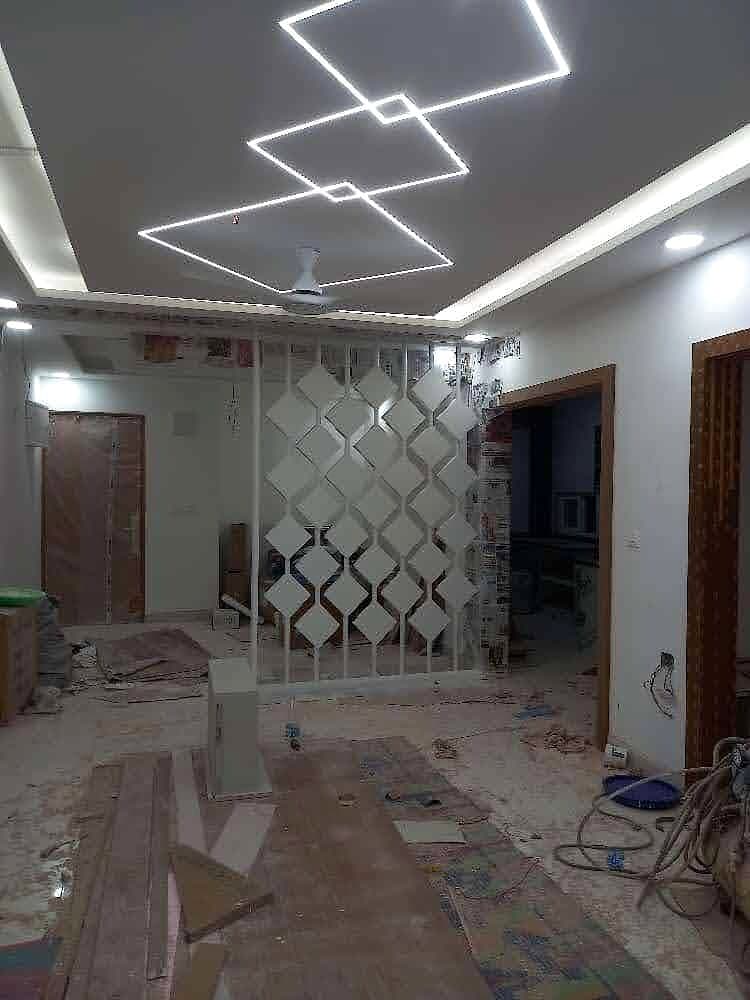
Mirrored Partition Ceiling Installation
Entry, pooja, divider, and transition details from real projects.
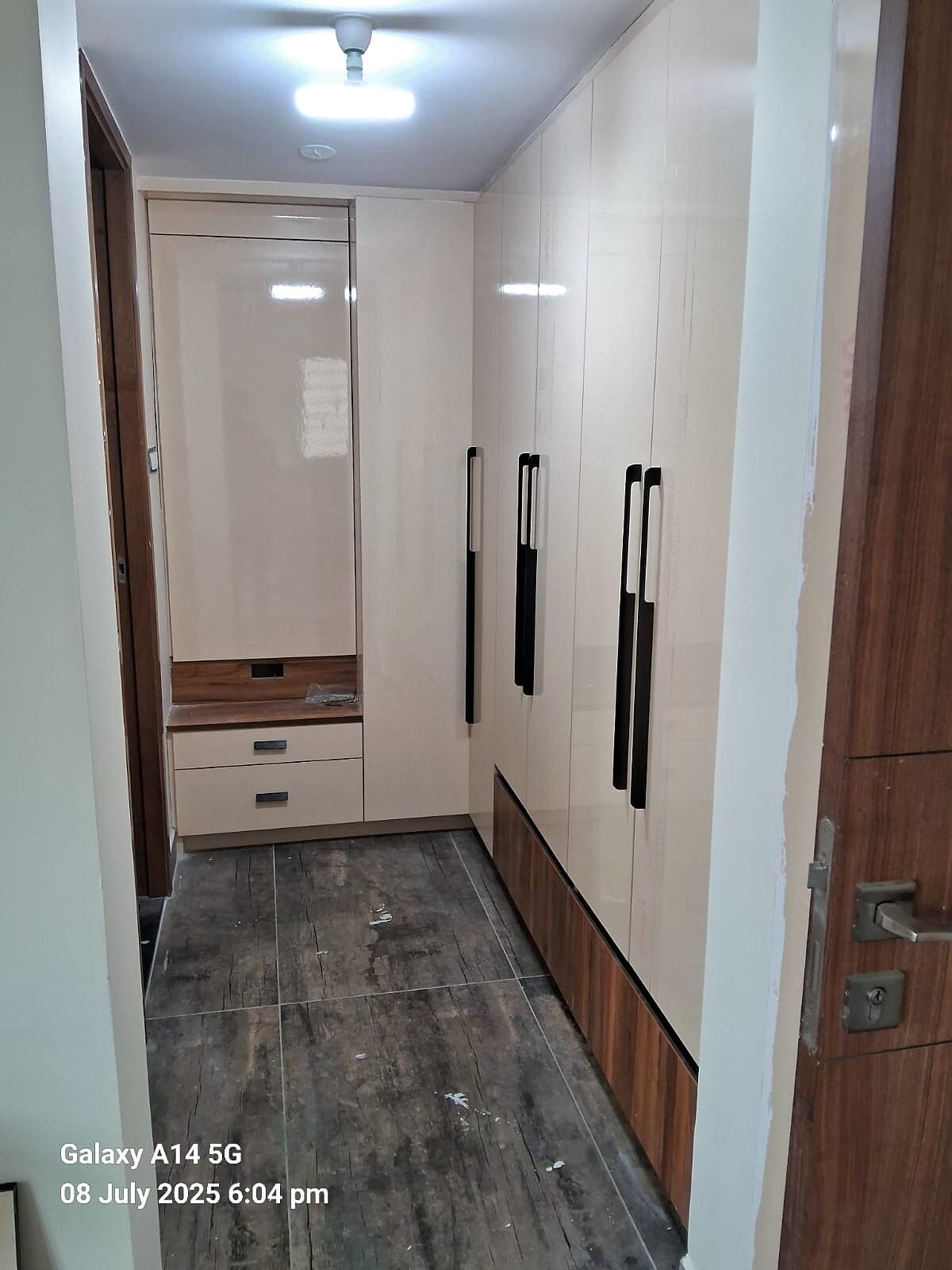
Hallway Wardrobes Dark Floor
Wardrobe systems, lofts, mirrors, shutters, and storage planning.
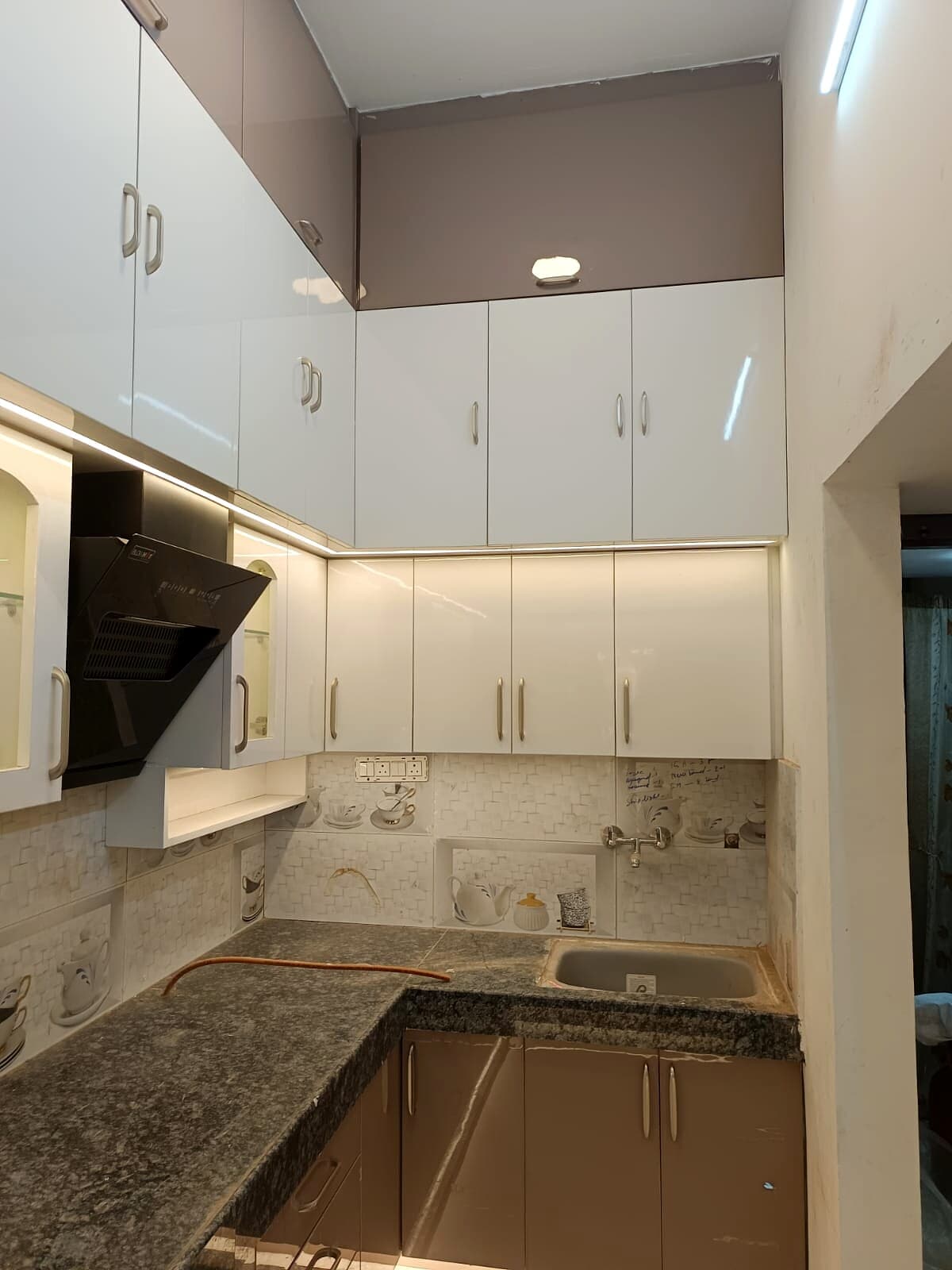
Compact Kitchen White Upper Cabinets
Kitchen, utility, and storage choices that affect daily use.
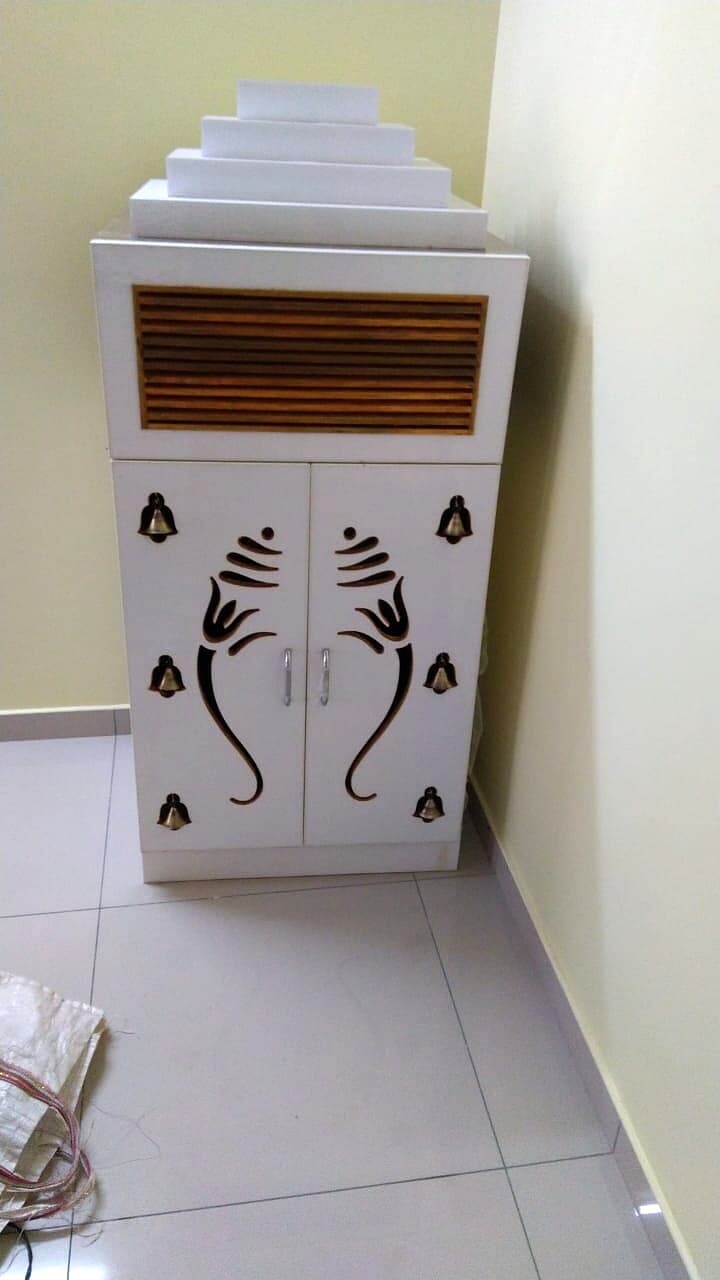
Wall Mounted White Pooja Cabinet
Entry, pooja, divider, and transition details from real projects.
Project health
Abya should speak in homeowner-friendly states that reduce stress and make next actions obvious.
Kitchen and wardrobe modules queued after material approval.
Two warm-neutral options are ready for homeowner confirmation.
Site readiness check complete. Installation slot reserved.
Open items are tracked before move-in readiness is confirmed.